Contact UsHelp
Sign In
New Customer
Get started with 123 Reg – it only takes a minute to create an account.

Show your professionalism with a custom email address.
Save 60%
£4.99
£1.99
per mailbox/mo
With a 1-year term. You pay £23.88 today. Auto-renews annually for £59.88. Cancel at anytime in your 123 Reg account. Prices exclude VAT.
M365 is provisioned by GoDaddy.com, LLC. Please see terms and conditions for more details.

Get extra storage for your messages, contacts and calendars.
Save 57%
£6.99
£2.99
per mailbox/mo
With a 1-year term. You pay £35.88 today. Auto-renews annually for £83.88. Cancel at anytime in your 123 Reg account. Prices exclude VAT.
M365 is provisioned by GoDaddy.com, LLC. Please see terms and conditions for more details.

Pair professional email with the suite of M365 web apps like Word, Excel, and PowerPoint.
Save 50%
£9.99
£4.99
per mailbox/mo
With a 1-year term. You pay £59.88 today. Auto-renews annually for £119.88. Cancel at anytime in your 123 Reg account. Prices exclude VAT.
M365 is provisioned by GoDaddy.com, LLC. Please see terms and conditions for more details.

Achieve great things with the full suite of M365 desktop apps on up to 5 devices.
Save 42%
£13.99
£7.99
per mailbox/mo
With a 1-year term. You pay £95.88 today. Auto-renews annually for £167.88. Cancel at anytime in your 123 Reg account. Prices exclude VAT.
M365 is provisioned by GoDaddy.com, LLC. Please see terms and conditions for more details.
Excellent customer service from Dorina
Excellent customer service from Dorina! She was patient, supportive and clearly helped me step by step to setting up my email. Great service thank you
Jess
Great help chat experience!
I had a very good experience on the chat interface with Georgiana this morning. I had some email hosting enquiries..Very quick, helpful and accurate information from her.
Robert Riddell
Simple user interface and lots of…
Simple user interface and lots of information for setting up email on devices.
Marcus
email and domain support
quick, knowledgeable and helped with everything we needed in a professional and fast manner
Riasca UK Limited

Comfortably create professional documents with the world's leading Word processing software.
Powerful spreadsheet tool to examine and visualise your data, providing you with in-depth information.

Create beautiful presentations that captivate your audience with this familiar tool.
Record your meeting notes, to-do lists, and keep track of everything anywhere you go.

Access your emails, calendar, contacts and to-do items using this comprehensive communications tool.
An all-inclusive business class email solution with a 50GB inbox plus shared calendar and contacts.

Host meetings with teams across multiple locations using secure and reliable chat, video and voice tools.

Securely store and access your documents from anywhere with Microsoft's complete cloud storage solution.
Custom email address that matches your domain
Storage space for your email data
Built-in protection against spam and online threats
Store, access, and share your files with additional cloud storage
Microsoft 365 web apps (Word, Excel, PowerPoint) in browser
Microsoft 365 desktop apps downloadable on up to 5 devices
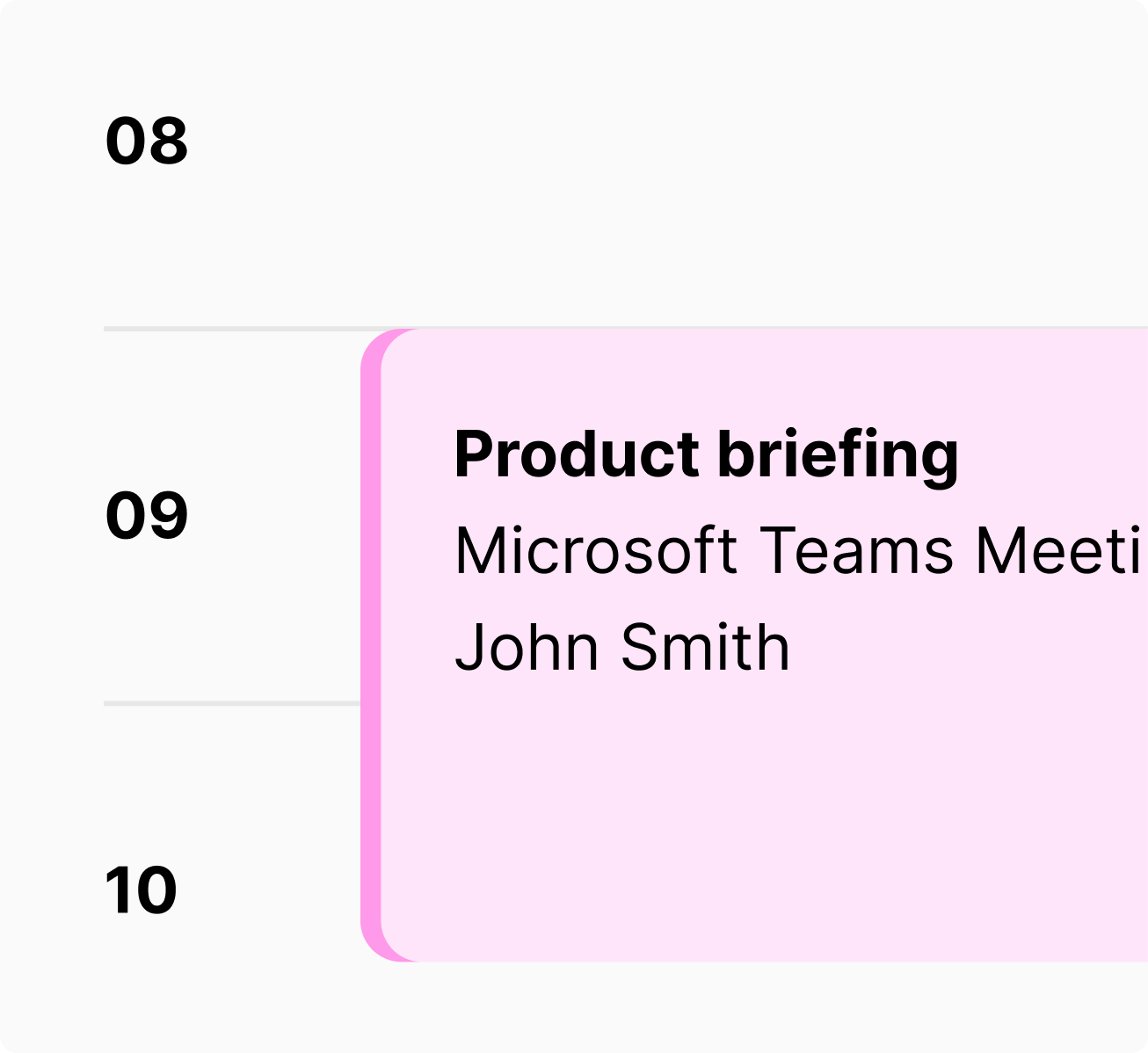
Organise meetings quickly and easily – and with Microsoft Teams’ integration you can always attend, wherever you are.
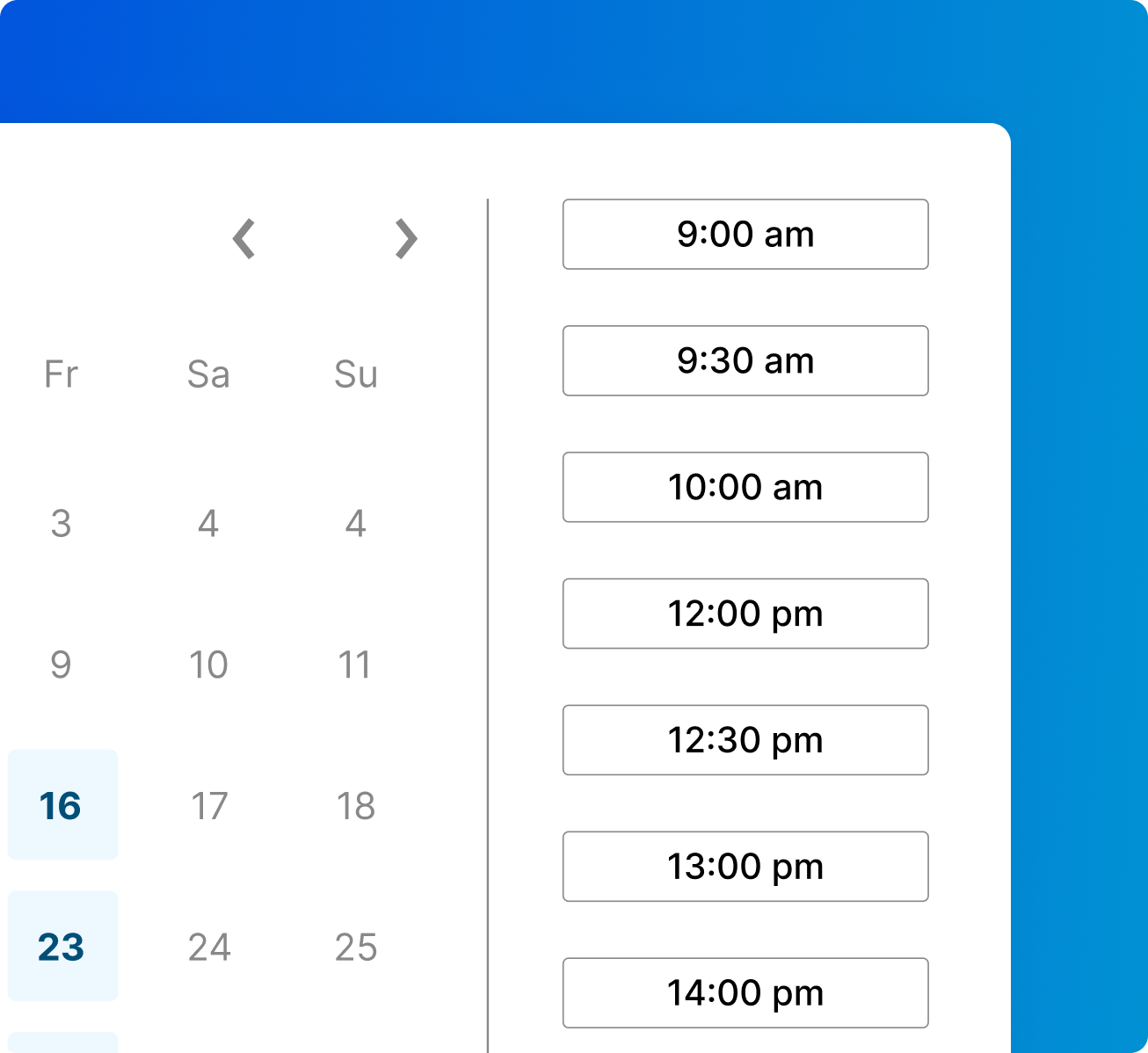
Allow customers to book appointments online and add them to your calendar automatically.
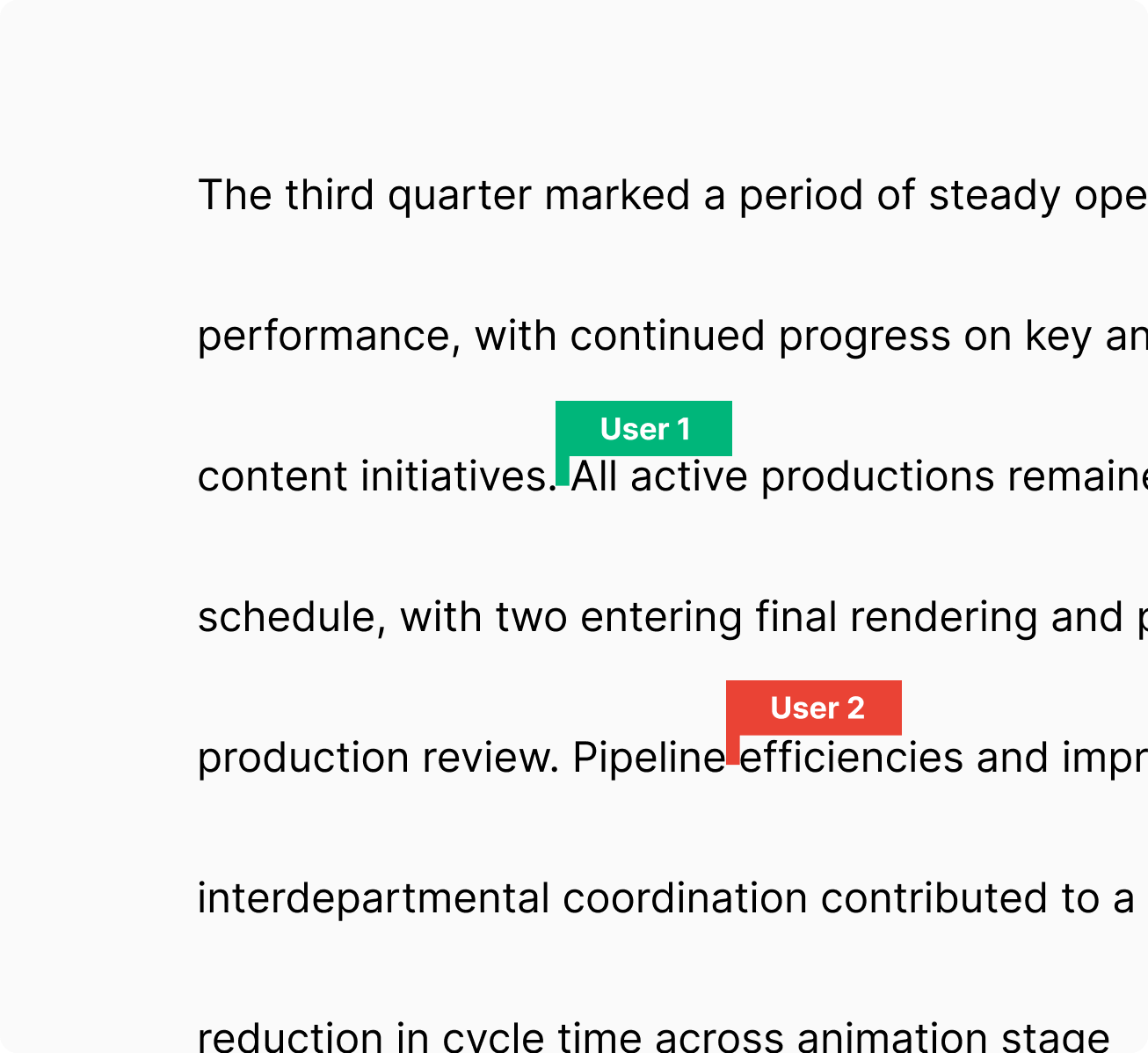
Work on documents with multiple users simultaneously and see each other’s changes in real-time.
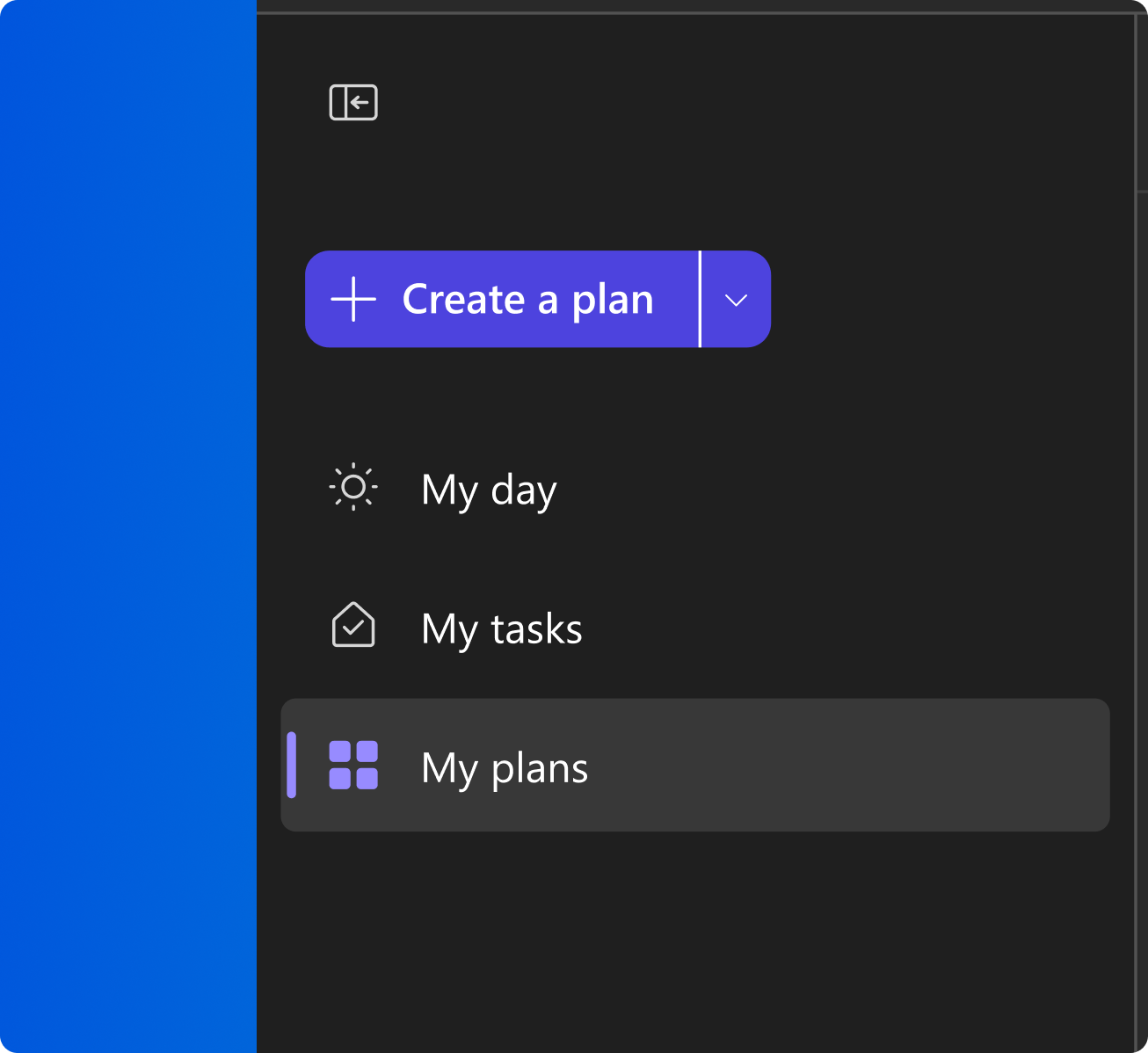
Streamline your workflow with an easier way to organise tasks, share files and create plans.
Why choose Microsoft 365 from 123 Reg?
Everything you need to look professional, with support and peace of mind.
Your brand in every email you send
Build credibility for your business with a custom email address like you@your-big-idea.co.uk.
Buy with confidence
Changed your mind? You're covered by our 7-day money-back guarantee.‡
Expert help when you need it
Call or chat with the 123 Reg Support team whenever you need a hand, from setup to everyday questions.
Get more from Microsoft 365 with optional tools to keep your team organised and productive. From AI-powered assistance to project planning and data insights, choose these add-ons to help you work smarter.

An AI assistant that helps you create and summarise documents, presentations and meetings — saving you time and sparking new ideas.

Visualise your work with clear diagrams and flowcharts that make explanations simple and keep your team on the same page.

Turn your data into interactive dashboards and reports — with AI-driven insights to help you spot trends and plan ahead.

Stay on top of tasks with intuitive boards, progress tracking, and simple tools that make project management simple.
The full Microsoft 365 suite, installed on your PC or Mac for whenever you're offline or on the go.
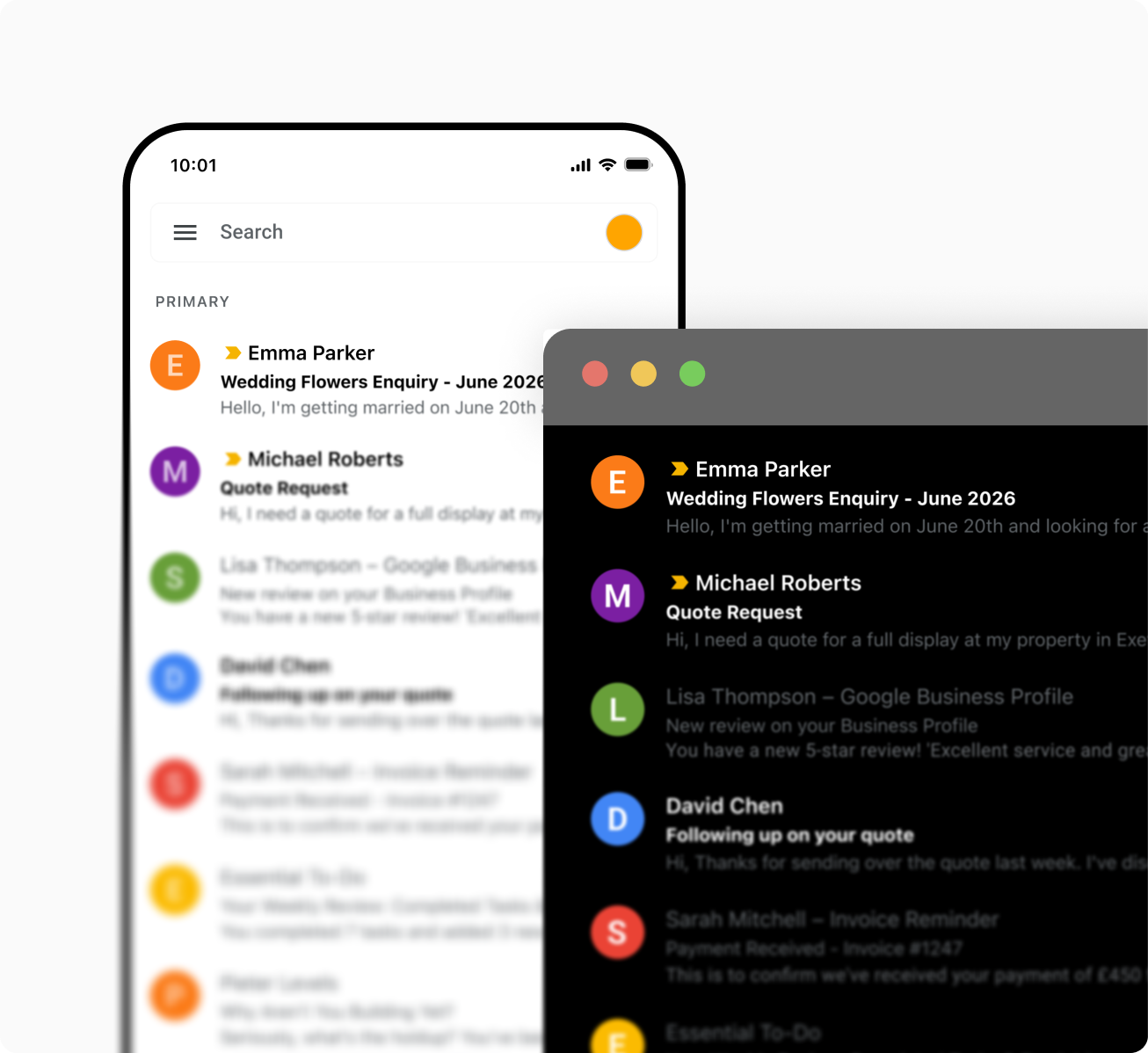
Use the mobile apps on up to 5 tablets and 5 smartphones.

A custom business email with 50 GB mailbox storage, plus 1 TB of secure OneDrive storage.
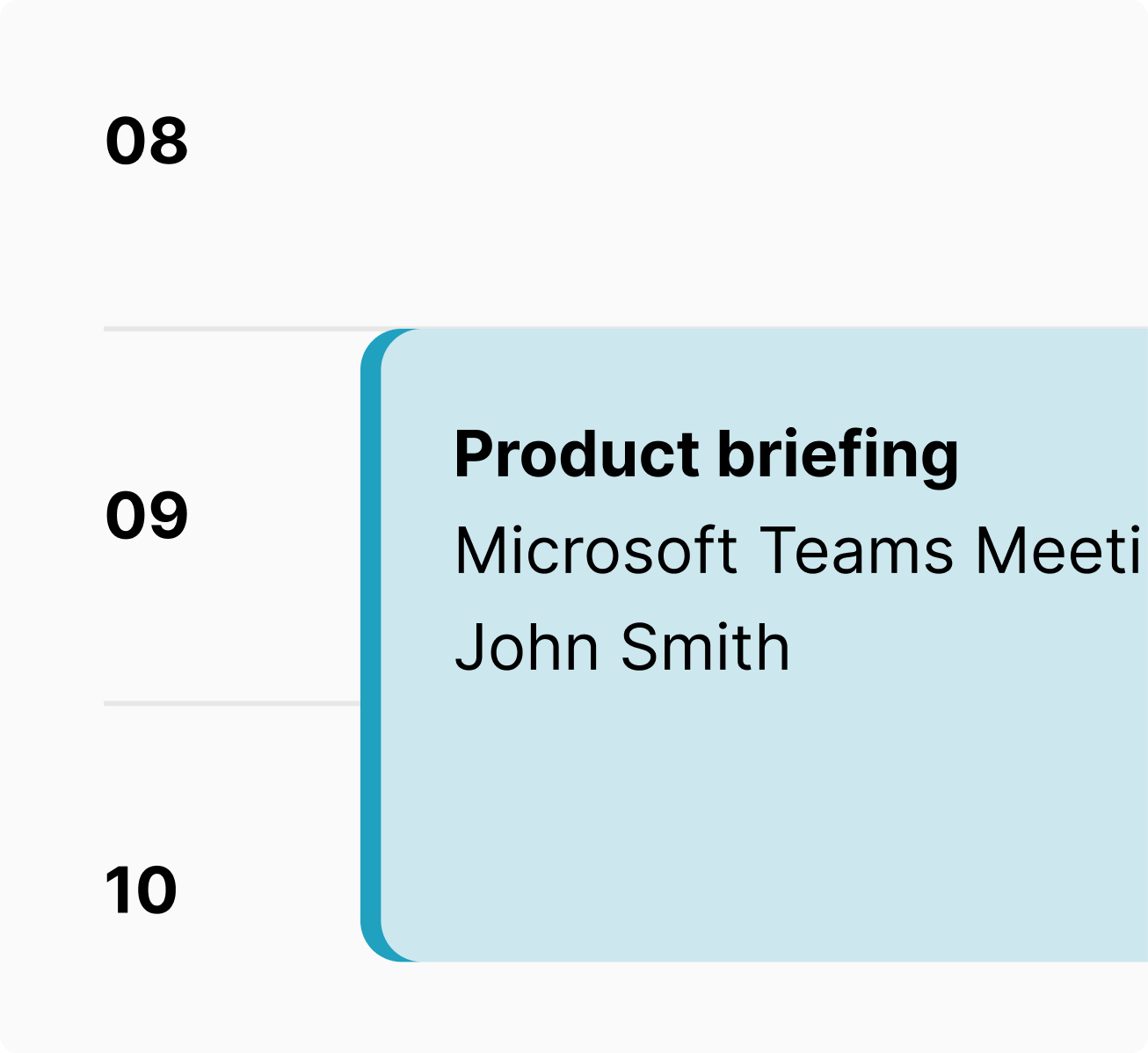
Make appointments a breeze for your customers with the Bookings app.
Microsoft 365 boasts unrivalled familiarity and usability. You’ll be using the most popular productivity apps like Word, Excel and PowerPoint, so you’ll already be used to what they do and how to use them. What’s more, all of your clients, customers and colleagues will be familiar with these apps and will be able to open, view and edit any documents you send them without the hassle of making sure they are in the right format, an issue you might find with other productivity apps.
All of your tools will now be in one place, making it easy to create a spreadsheet, edit it wherever you are, store it online and send it directly, without having to switch between multiple different services and apps.
You’ll have a full suite of tools that can help run any business, including secure cloud storage with full protection for your information and email with excellent spam filtering. You’ll also be able to hold meetings with people anywhere in the world by using Microsoft Teams, saving you the hassle and expense of arranging a meeting in-person.
No. You can use it without needing any technical knowledge. It’s easy to setup and we make the process as simple as possible. Plus, if you ever get stuck, our expert Support team are here to give you the guidance you need.
If you already own the Domain Name you wish to use, setup is usually instant. However, if you are using a new Domain Name it will take longer as the domain will need time to register and update. Our team are here to guide you through the setup process and make it as smooth and painless as possible. You will be up and running in no-time!
With the Full Office Suite package, you can download and install all your apps onto 5 Macs or PCs, enabling you to work online or offline from your computer. These apps will be kept up-to-date with all the latest tools and features.
Microsoft 365 also includes a range of mobile apps designed specifically to ensure that you can work just as well on your iPhone or Android device as you can on your computer in the office. These mobile apps have been built from the ground up to deliver all of the tools and features you’re used to, on a touch-screen interface, and can be installed on up to 5 tablets and 5 smartphones.
Mobile Apps are only available with our Microsoft 365 Business Professional package.
Online Apps are browser versions of your favourite Microsoft 365 applications that can be used to open and edit your documents wherever you are connected to the internet. They are available with our Online and Full Office Suite packages.
Yes, as each user requires their own licence to access and use Microsoft 365. Although our Full Office Suite allows you to install Office on up to 5 Macs or PCs, 5 tablets and 5 smartphones, these apps may only be used by the licensed user. If you require more users, multiple packages will need to be ordered.
A Terabyte (TB) could hold approximately 3.6 million 300 Kilobyte images, 300 hours of video, 150 hours of HD video and 2,000 hours of CD quality recording. It has been estimated that a Terabyte could store 85,899,345 pages of Word documents, if that were possible to have a document that big. In essence, you have all the space a thriving business could need.
Absolutely! Whether your domain is registered on your 123 Reg account or with another provider, you can add it to your Microsoft 365 package.
If you purchased your product after September 2023, you’ll be able to select the domain that you wish to use when adding your email account. Please read the following article: How do I set up a new user in Office 365?
If you purchased your Microsoft 365 package before September 2023, please follow these instructions: How do I add a domain to Microsoft 365?
Yes! If you’d like more storage or features for your email, it’s easy to upgrade your Microsoft 365 plan.
If you purchased it before September 2023, you’ll need to buy the plan you’d like to upgrade to in advance.
If you purchased your product after September 2023, you will be able to select your new plan and upgrade it immediately through your dashboard.
For more details on how to do this, please read the following article: How do I upgrade my Microsoft 365 package?
Visit our Help Centre to find quick answers and easy guides for everything we offer. Call us on 0345 450 2310 — we're ready to help you get started and support your business as it grows.